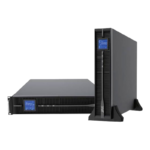
 Online (Double Conversion)
 Kehua Tech
 BPC Energy
 Lever Power Solutions
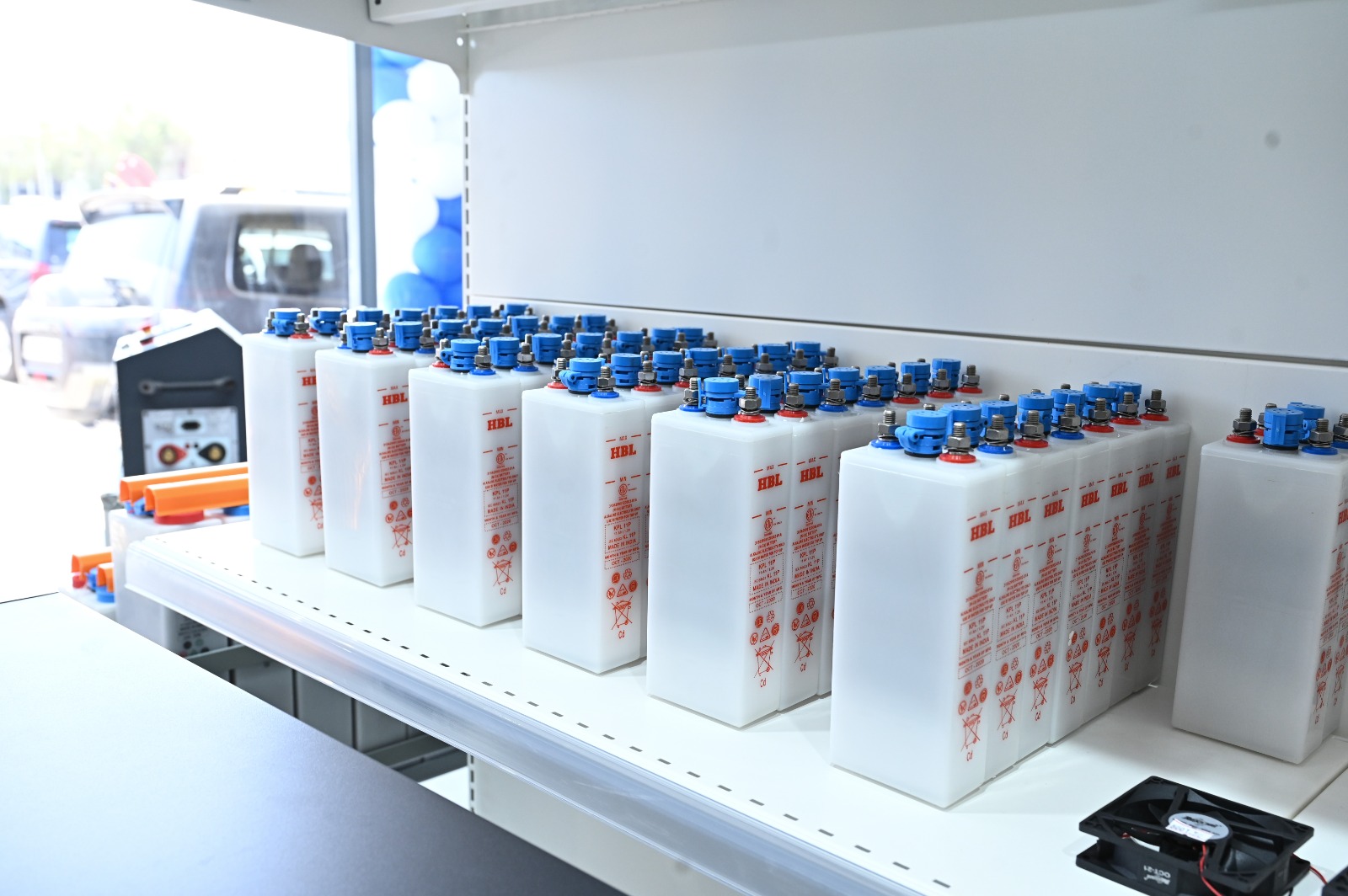
 Industrial Batteries
 GEL BATTERY
 Automotive Battery
 Sunlight
 JC Battery
 HBL
HBL
 LIVOLTEK
 Global Batteries
 Solar Inverters
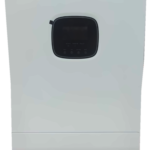 Hybrid
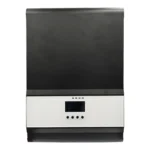 off Grid
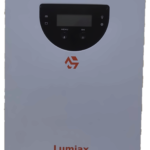 Charge Controllers
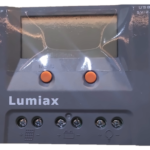 PWM
PWM
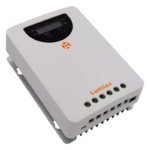 MPPT
MPPT
 Hitek
Hitek
 Euronet
 Lumiax
 Morning Star
 Livoltek
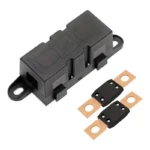
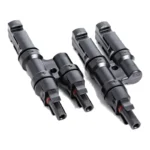 Power & Protection
 Battery Chargers
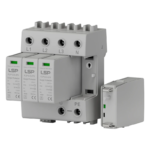 Surge Protection & AVR
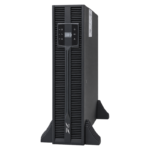 Extended Run-time Packs
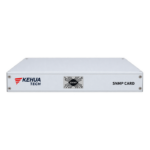 Network & Monitoring Cards
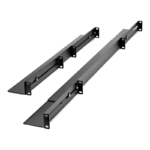 Mounting & Enclosures
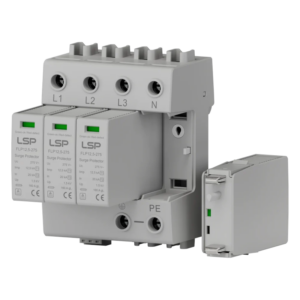
 DC Load Banks
 Hillstone-UK
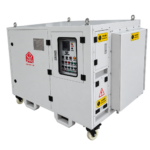 HEBEI
HEBEI
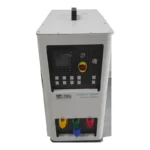 HEBEI
HEBEI
 Battery Chargers
 LEVER-ITALY
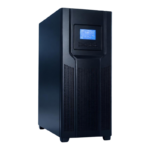 AC UPS
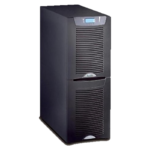 EATON
EATON


Data Deletion Instructions
Warba Electric respects your privacy. If you logged in to our website or app using Facebook, we may have stored basic information such as your name, email address, and Facebook user ID.
How to request deletion of your data
You can ask us to delete your data in either of these ways:
Option 1: Remove the app from Facebook
- Go to your Facebook account’s Settings & Privacy → Settings.
- Open Apps and Websites.
- Find Warba Electric and click Remove.
- Select the option to delete your activity and data, then confirm.
Option 2: Contact us directly
Send an email to [email protected] with the subject line “Data Deletion Request.” Please include the name and email address linked to your account.
What happens next
We will delete your personal data from our systems within 30 days of receiving your request, and we will email you to confirm once it’s done. We may keep some information if the law requires us to, such as records of past orders or invoices.
If you have any questions about this policy, contact us at [email protected].
Before you publish, replace [email protected] with an email address you actually check. After publishing, copy the page link (for example, https://warbaelectric.com/data-deletion). In the Meta app settings, choose Data deletion instructions URL, paste the link, and save.