 Online (Double Conversion)
 Kehua Tech
 BPC Energy
 Lever Power Solutions

 Industrial Batteries
 GEL BATTERY
 Automotive Battery
 Sunlight
 JC Battery
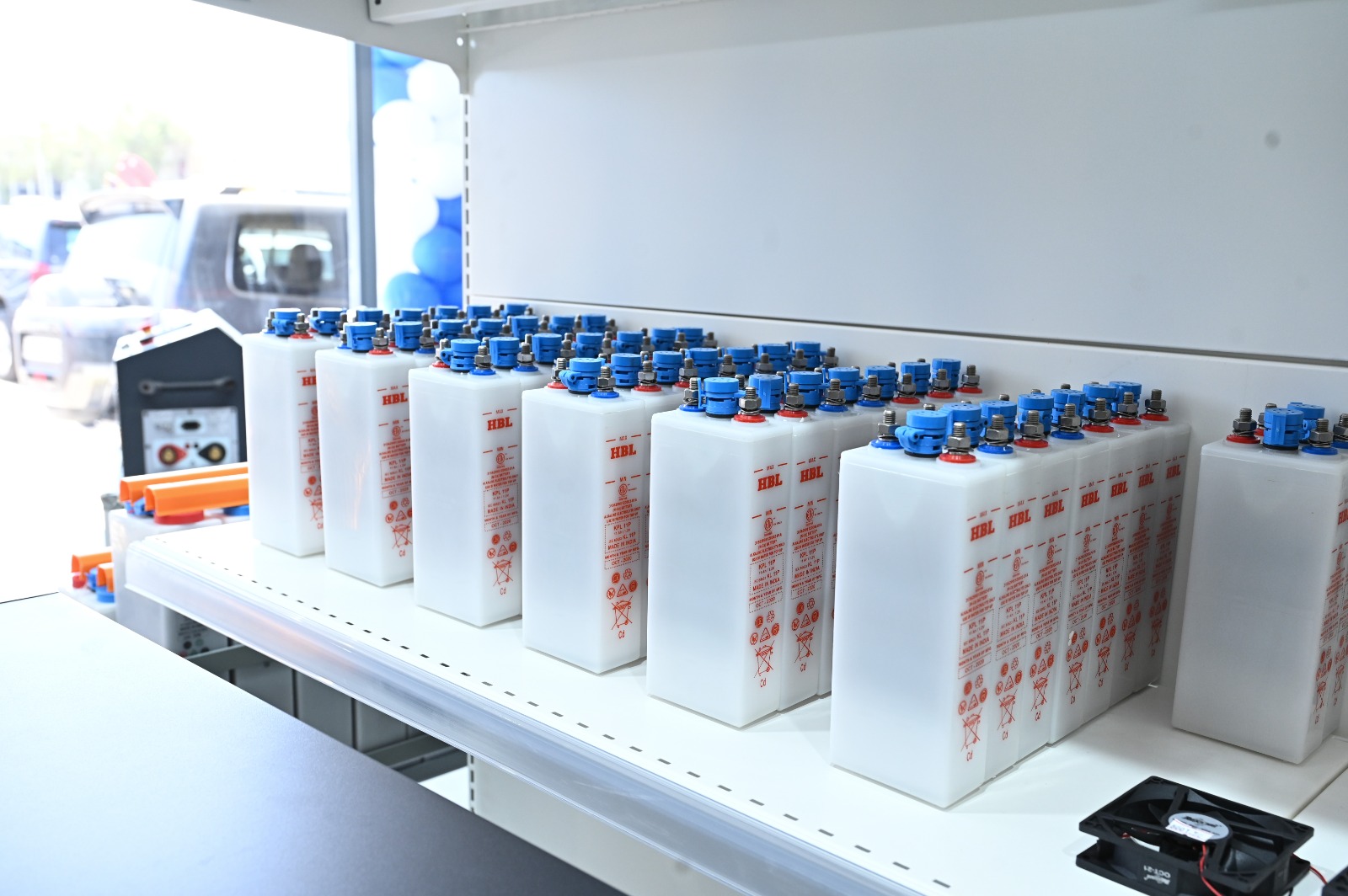
 HBL
HBL
 LIVOLTEK
 Global Batteries

 Solar Inverters
 Hybrid
 off Grid
 Charge Controllers
 PWM
PWM
 MPPT
MPPT
 Hitek
Hitek
 Euronet
 Lumiax
 Morning Star
 Livoltek
 Power & Protection
 Battery Chargers
 Surge Protection & AVR
 Extended Run-time Packs
 Network & Monitoring Cards
 Mounting & Enclosures
 DC Load Banks
 Hillstone-UK
 HEBEI
HEBEI
 HEBEI
HEBEI
 Battery Chargers
 LEVER-ITALY
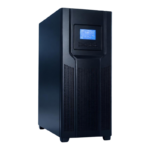 AC UPS
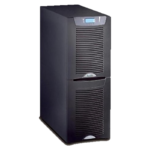 EATON
EATON




Big office UPS Setup


Most UPS problems trace back to sizing. Either the unit is too small and shuts down under load, or it's oversized and you've paid for capacity you'll never use. Getting it right takes about ten minutes and a calculator.
Key points
- Add up the real wattage of everything the UPS will protect
- Check the power factor — VA and watts are not the same thing
- Add 25% headroom, and treat runtime as a separate decision
Step 1: Add up your actual load
List everything the UPS will protect and find the wattage on each device's label or power supply. Here's a typical small office:
| Device | Watts |
|---|---|
| Server | 350 W |
| Network switch and router | 60 W |
| Two workstations | 300 W |
| CCTV recorder and cameras | 120 W |
| Total | 830 W |
Use what the devices actually draw, not the maximum rating of their power supplies. If you can, measure it with a plug-in power meter.
Step 2: Understand VA versus watts
UPS units are usually sold in VA (volt-amperes), but your load is in watts, and the two aren't the same. The link between them is the power factor.
Watts = VA × power factor
1000 VA at 0.9 power factor = 900 W
1000 VA at 0.6 power factor = 600 W
Older and entry-level units often run at 0.6 or 0.7, while modern online UPS systems typically run at 0.9 or higher. Always check the specification sheet. This single number is where most undersizing happens.
Step 3: Add headroom
Take your total load and add 25%.
830 W × 1.25 = 1,040 W
1,040 W ÷ 0.9 power factor ≈ 1,150 VA → choose a 1.5 kVA unit
The headroom covers two things: equipment you'll add later, and the extra current devices draw when they start up. A UPS run continuously above around 80% of its rating works harder, runs hotter and leaves nothing in reserve.
Step 4: Decide how long it needs to run
Runtime is a separate question from capacity. It's set by the battery bank, not the UPS rating.
Be honest about what you actually need. If the goal is a clean, safe shutdown of a server, five to ten minutes is usually enough. If you need to keep a clinic or a shop running through a longer outage, you'll need external battery modules and a much larger bank.
Runtime doesn't scale in a straight line, either. Doubling the battery capacity doesn't exactly double the runtime, because batteries deliver less of their rated capacity when discharged quickly. Manufacturers publish runtime charts for each model — use them rather than simple arithmetic.
Two mistakes worth avoiding
Sizing for today's load exactly
Offices add equipment. A UPS bought at 95% of its capacity will be overloaded within a year.
Plugging in the wrong things
Laser printers draw a large surge of current when their fuser heats up, and they can trip a UPS sized perfectly for everything else in the room. Printers, heaters and kettles belong on mains power, not on backup.
Then get it commissioned
A correctly sized UPS can still fail if a battery connection is loose, the transfer to battery was never tested, or the runtime was never checked against real load. Sizing is the calculation. Commissioning is the proof that it works.
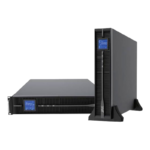
Want us to do the calculation? WarbaElectric supplies Kehua Tech online UPS systems in tower and rack-mount formats, with external battery modules and network monitoring cards. We'll size it, install it and commission it with a full test report.